
Trail Journal Case 005
A few steps away
A woman sees a little girl alone in the street and rings the police. When the patrol reaches them, the search dog is only a few dozen metres away.
Acacia Street · Tuesday
The woman with the green bag
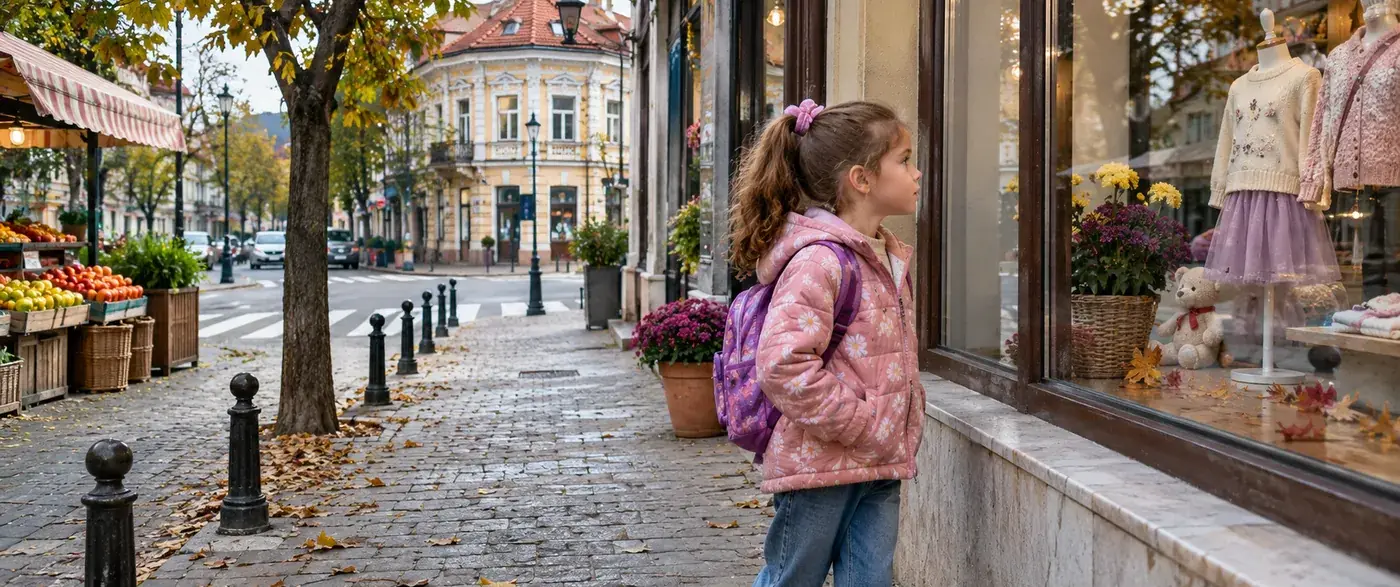
While her mother is paying for the shopping, an adult she doesn't know offers Ana sweets. The little girl walks off with the stranger. At the street corner, the stranger takes fright and hurries away. Ana is left on her own. She walks along the pavement for a while, looking through the shop windows for her mother's face.
A woman with a green shopping bag sees her pass the same spot twice. She puts the bag down. “What's your name? Who are you looking for?” The girl says her name is Ana and she wants to get back to her mum. The woman rings the police, tells them where they are and stays with her.
Meanwhile, her mother had reported Ana missing. A team with Tara, a dog trained for mantrailing, joins the search. The mother gives the handler Ana's glove, which was still in her own coat pocket. Tara sniffs it and picks up the girl's trail. The police officers responding to the woman's call find Ana. Tara's handler, who has stopped with her a few dozen metres away, gets the confirmation over the radio and ends the search.
In the log you have three messages: from a vendor who had seen Ana walking alone, from the dog team and from the patrol. Each gives a different place on the same street and a different time. The dog team's message gives the last landmark Tara reached, and the patrol's shows where Ana was. Which are the two places?
Search log
Field clues
I need a hint
Write the times in order. The vendor takes first place. Of the dog team and the patrol, who called in earlier?
One more hint
Link the flower shop to the time in the dispatcher's note. Once you've also placed the kiosk next to the vendor, which place is left for the patrol?
Workbook
Deduction grid
The grid is optional. You can use it to organise your notes and see which options you have ruled out. If you already have the answer, go straight to the final report.
For the vendor's statement, find the row Vendor and the column Kiosk. Tap their cell twice to confirm the pairing.
How to play: the basics and a worked example
What do I have to do in a case?
- Read the story and the question in the final report: Where did Tara stop, and where did the patrol find Ana? That tells you what you have to reconstruct.
- Take the clues one at a time. Look for the two items each sentence links and note in the grid what you have learned. Then tick the clue so you remember you have used it. You can reread it at any time.
- If two clues share an item, follow it through both pairings. When you get stuck, you can open “I need a hint”, then “One more hint”.
- When you have a theory, choose where Tara stopped and where the police found Ana in the final report. You can submit the report even if you've left the grid empty. Then press “Check the report”. If the answer doesn't match, reread the clues and try again. Once it is confirmed, read the explanation in “The log, reconstructed”, shown below the report.
How do I correct a mark?
Tap the same cell to go through the three states, in order. You start from a dot. One tap puts ×, another puts ✓, and a third brings the dot back. So from ✓, a single tap clears the mark. The other cells only change when you tap them yourself.
How do I read the big grid in a case?
Above the columns you will see categories such as “Place” and “Time of message”. The rows are on the left. Follow the name on the row across to the column you are interested in and read the pairing as a question. A dot means you haven't noted the answer yet.
The one-match rule applies within each group of columns. After a ✓ you can put × in the other cells on the row and the column of the same group. In another group, the same row can have one more ✓.
Further down, the rows compare the remaining categories with each other. The hatched areas show pairings already covered elsewhere in the table. On a phone, swipe the table sideways to see the next group.
The example below is a made-up case with two dogs, Luna and Nori, who ended up in different places. The first clue says: “Luna did not finish the trail at the jetty.” Luna gets × under Jetty, so the greenhouse is all that is left for her and she gets ✓ there. The second clue says: “The team that reached the greenhouse used the bandana.”
| Reference | Place | Article | ||
|---|---|---|---|---|
| Jetty | Greenhouse | Bandana | Scarf | |
| Luna | ruled out | confirmed | confirmed | unknown |
| Nori | unknown | unknown | unknown | unknown |
| Jetty | Unused group of cells | unknown | unknown | |
| Greenhouse | confirmed | unknown | ||
On the “Greenhouse” row, the ✓ under “Bandana” comes straight from the clue. On the “Luna” row, the ✓ under “Bandana” is your own conclusion: Luna reached the greenhouse, and the team at the greenhouse used the bandana. The two ticks on Luna's row are in different groups.
Swipe the table to the left to see all the columns.
| Reference | Place | Time of message | ||||
|---|---|---|---|---|---|---|
Final report
Where did Tara stop, and where did the patrol find Ana?
The log, reconstructed
- The vendor called in first, at 16:12. He saw Ana at the kiosk.
- That leaves 16:13 and 16:14. The dog team called in before the patrol, so at 16:13. The place noted at that time is the flower shop. That is where Tara stopped.
- That leaves 16:14 and the bus stop for the patrol. That is where the woman waited for the police, with Ana beside her.
| Time | Place | Source |
|---|---|---|
| 16:12 | Kiosk | Vendor |
| 16:13 | Flower shop | Dog team |
| 16:14 | Bus stop | Patrol |
When her mum reaches the bus stop, Ana takes her by the hand and leads her to the bench where they waited. “She stayed with me,” she says, pointing to the woman with the green bag.
Solve another case
More cases of the same level from the collection.
-
 Case 006
Solved
The cat with white paws
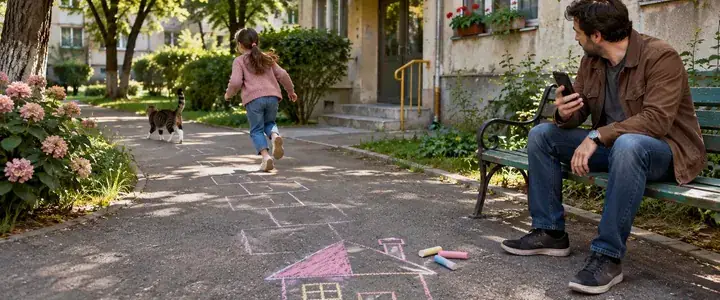
Lia wanders off from outside her block of flats after a cat. Later, she draws the window of the room where Boro found her. Can you identify the place from her drawing?
-
 Case 007
Solved
Beyond the fence
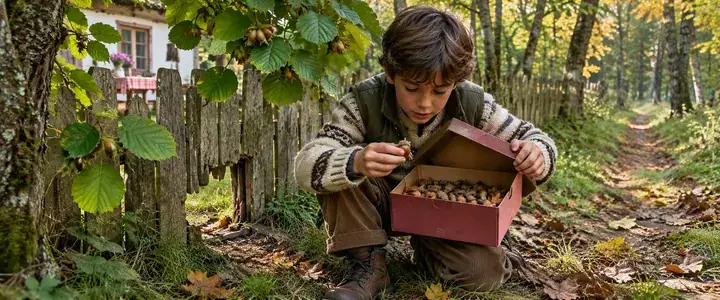
There is a board missing from the fence at the back of the garden. On the other side the forest begins, and Tudor wants to see where the path leads.
-
 Case 008
Solved
The Gate on the Lane
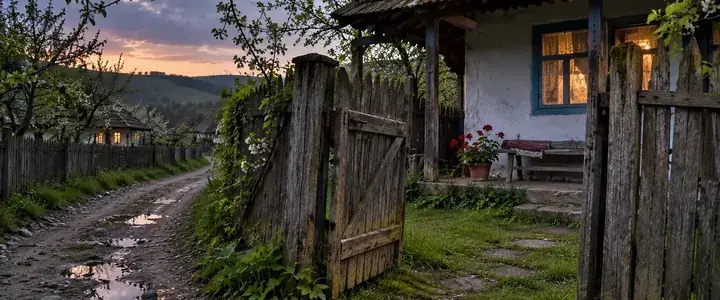
The lamps have come on in the village. Ema opens the front door, crosses the yard and finds the gate open.