
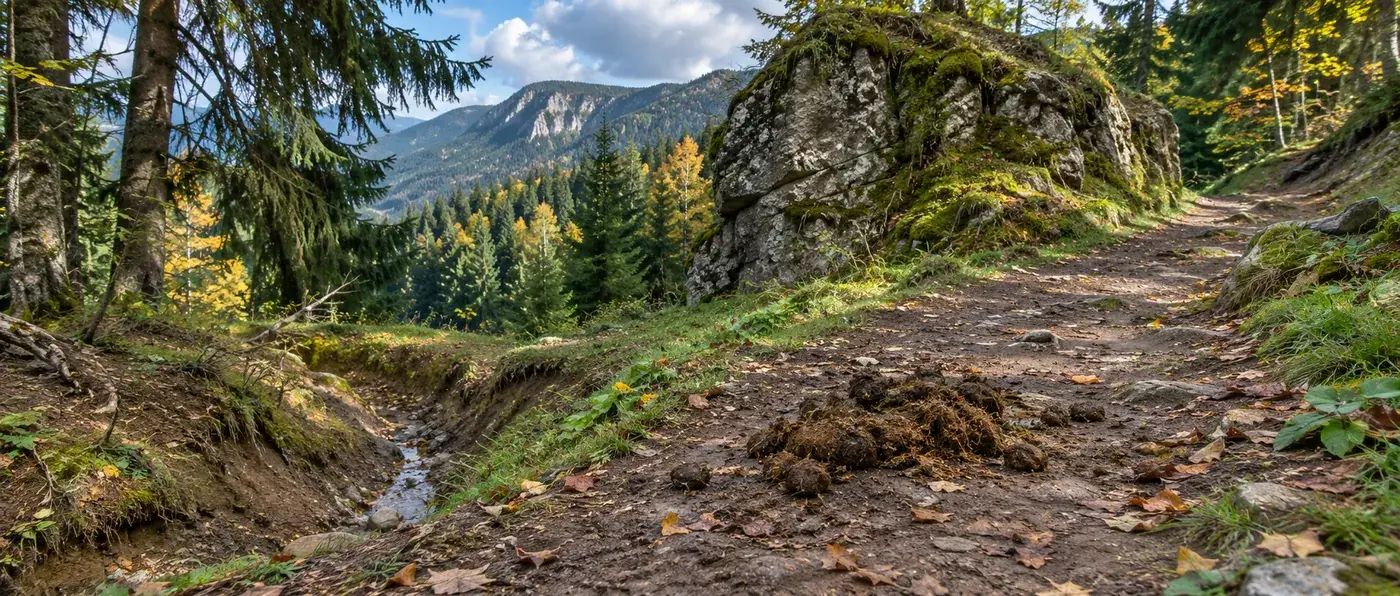
Trail Journal Case 072
Two people at the barrier
At what time and in which place were both brothers identified?
The real case · New Zealand Police
In Longwoods Forest, two people lost in the dark found their way again and walked out of the forest on their own while the teams were arriving in the area.
How the search began
What happened?
On the way down, two brothers lose the trail marking and report that they no longer know which way to go. They had run out of marks on the trees after a spot where horse dung covered the path. One remembered crossing one ditch, the other was convinced they had crossed two. When they both end up describing the same rock over the phone for the second time, they realise they are going in circles. At the foot of the mountain, their friends are waiting beside the car they came in.
Before the rescuers arrive, the two recognise a familiar path and come out onto a road. A police officer meets them and checks their identities. Two other patrols send news in the same interval. You fill in the log with the time at which the search could be stopped.
For the family, the boys' voices are the news they were waiting for. For the teams in the forest, the confirmation from the officer who had both of them in front of him matters too. That meeting has to be entered in the log, so that everyone who was called out gets the same news on their return.
You have three field sheets. Each landmark and each note appears on one sheet only. At what time and in which place were both brothers identified?
- Time · 20:06, 20:16, 20:26
- Landmark · Green Barrier, Forest Gate, Iron Bridge
- Note · Both identified, Team arrived, Path clear
Search log
Field clues
I need a hint
Start with the one certain pairing, “Forest Gate” and “Path clear”.
One more hint
Once you have paired them, rule out “Path clear” for the other two values in the “Landmark” category. Each value is used only once.
Workbook
Deduction grid
The grid is optional. You can use it to organise your notes and see which options you have ruled out. If you already have the answer, go straight to the final report.
Pick the cell where the two values you want to compare meet.
How to play: the basics and a worked example
What do I have to do in a case?
- Read the story and the question in the final report: At what time and in which place were both brothers identified? That tells you what you have to reconstruct.
- Take the clues one at a time. Look for the two items each sentence links and note in the grid what you have learned. Then tick the clue so you remember you have used it. You can reread it at any time.
- If two clues share an item, follow it through both pairings. When you get stuck, you can open “I need a hint”, then “One more hint”.
- When you have a theory, fill in the two fields of the final report. You can send the report even if you left the grid empty. Then press “Check the report”. If the answer doesn't match, reread the clues and try again. Once it is confirmed, read the explanation in “The log, reconstructed”, shown below the report.
How do I correct a mark?
Tap the same cell to go through the three states, in order. You start from a dot. One tap puts ×, another puts ✓, and a third brings the dot back. So from ✓, a single tap clears the mark. The other cells only change when you tap them yourself.
How do I read the big grid in a case?
Above the columns you will see categories such as “Landmark” and “Note”. The rows are on the left. Follow the name on the row across to the column you are interested in and read the pairing as a question. A dot means you haven't noted the answer yet.
The one-match rule applies within each group of columns. After a ✓ you can put × in the other cells on the row and the column of the same group. In another group, the same row can have one more ✓.
Further down, the rows compare the remaining categories with each other. The hatched areas show pairings already covered elsewhere in the table. On a phone, swipe the table sideways to see the next group.
The example below is a made-up case with two dogs, Luna and Nori, who ended up in different places. The first clue says: “Luna did not finish the trail at the jetty.” Luna gets × under Jetty, so the greenhouse is all that is left for her and she gets ✓ there. The second clue says: “The team that reached the greenhouse used the bandana.”
| Reference | Place | Article | ||
|---|---|---|---|---|
| Jetty | Greenhouse | Bandana | Scarf | |
| Luna | ruled out | confirmed | confirmed | unknown |
| Nori | unknown | unknown | unknown | unknown |
| Jetty | Unused group of cells | unknown | unknown | |
| Greenhouse | confirmed | unknown | ||
On the “Greenhouse” row, the ✓ under “Bandana” comes straight from the clue. On the “Luna” row, the ✓ under “Bandana” is your own conclusion: Luna reached the greenhouse, and the team at the greenhouse used the bandana. The two ticks on Luna's row are in different groups.
Swipe the table to the left to see all the columns.
| Sheet | Landmark | Note | ||||
|---|---|---|---|---|---|---|
Final report
At what time and in which place were both brothers identified?
The log, reconstructed
The brothers climb into the police car together. At the base they phone their parents, who hear both of them laughing together for the first time that evening.
| Time | Landmark | Note |
|---|---|---|
| 20:06 | Forest Gate | Path clear |
| 20:16 | Green Barrier | Both identified |
| 20:26 | Iron Bridge | Team arrived |
The real case
In Longwoods Forest, two people lost in the dark found their way again and walked out of the forest on their own while the teams were arriving in the area.
Solve another case
More cases of the same level from the collection.
-
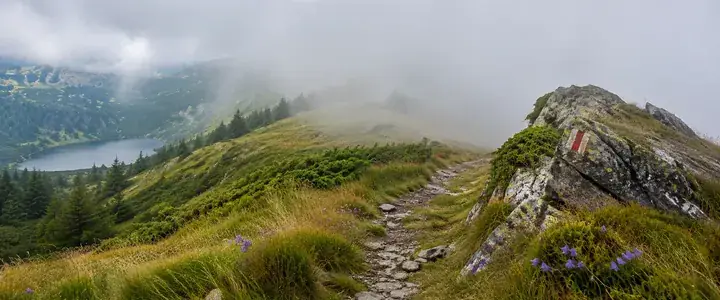 Case 073
Solved
Fog on the ridge
Irina could see the lake as she walked.
-
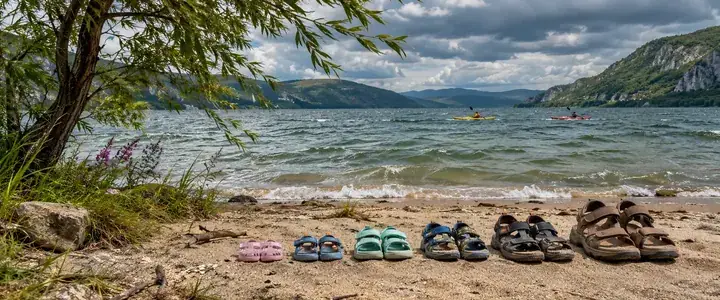 Case 074
Solved
The two kayaks
Six pairs of sandals are left on the beach.
-
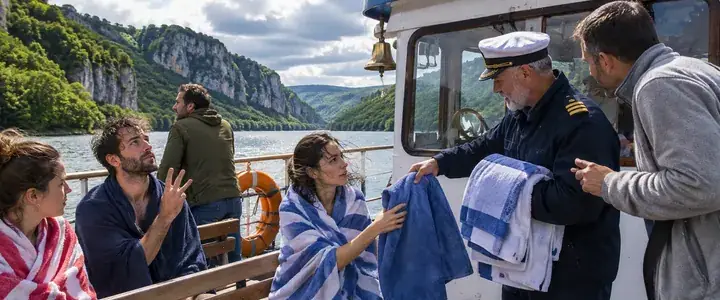 Case 075
Solved
The second call from the lake
The captain of the pleasure boat is just handing out towels to those pulled from the water when a passenger asks about the others.