
Trail Journal Case 125
Three run sheets
Who reported the note “Hem fitting”, and from which landmark?
How the search began
What happened?
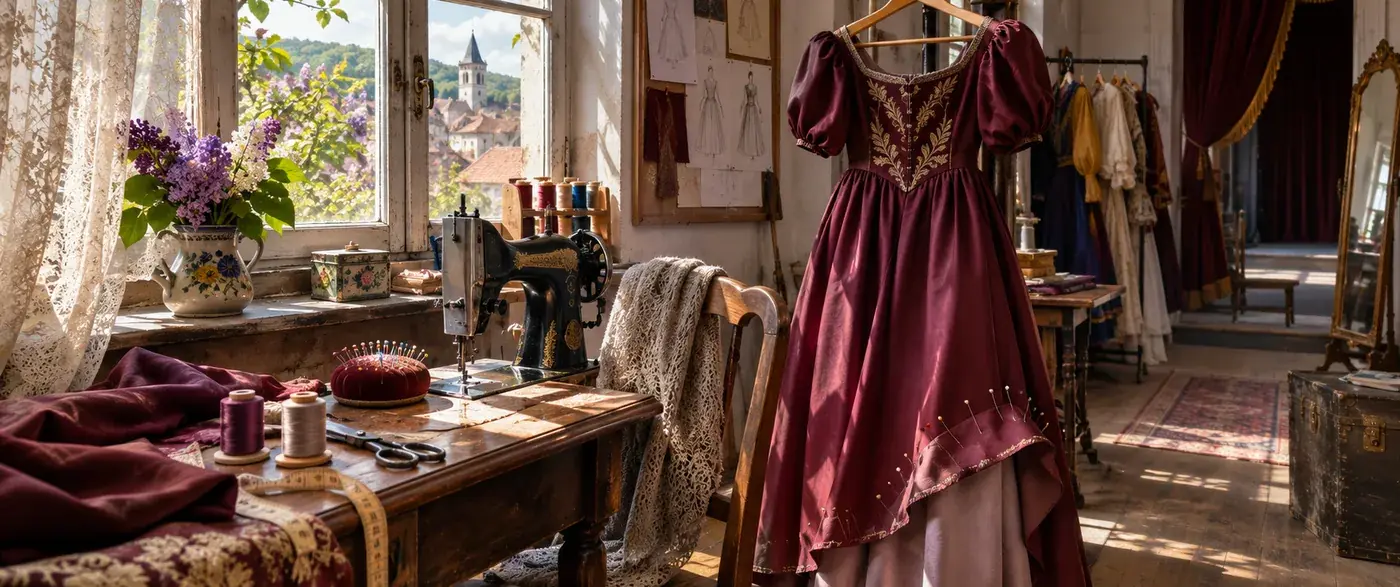
After taking the costumes to a rehearsal, the seamstress does not come back to the workshop. On the hanger left beside the sewing machine hangs a dress pinned halfway through its hem. Her son knows his mother wanted to finish it in daylight, when she can tell two close shades of thread apart. He calls to ask whether she still has long to go at the rehearsal. The theatre tells him the actors have left the hall where the run-through took place.
Her son alerts the police. The van is parked next to the warehouse. The mantrailing team starts the search from there with the woman's scarf. The guards of three buildings read over the radio which column the last visitor filled in. The seamstress had come for a hem fitting.
On the same day, people carrying sets, lamps and clothes enter the buildings used for the show. The guards usually ask for the reason for the visit to be noted, even if they don't know the visitor by name. The entry in the register can retrace the woman's last known route.
You have three calls. Each has a signature, a landmark and a note. Each value appears only once. The times are those of the calls. “Immediately before” means that no other call came in between the two. Who reported the note “Hem fitting”, and from which landmark?
- Name · Amalia, Rareș, Simona
- Landmark · Stage Annex, Large Workshop, Small Warehouse
- Note · Lighting setup, Set handover, Hem fitting
- Time · 09:01, 09:08, 09:15
Search log
Field clues
I need a hint
Start with clue 4. The sheet signed by Amalia carries the note “Set handover”.
One more hint
Combine clues 2 and 3. Together they give you one more pairing. Simona called in at 09:01.
Workbook
Deduction grid
The grid is optional. You can use it to organise your notes and see which options you have ruled out. If you already have the answer, go straight to the final report.
Pick the cell where the two values you want to compare meet.
How to play: the basics and a worked example
What do I have to do in a case?
- Read the story and the question in the final report: Who reported the note “Hem fitting”, and from which landmark? That tells you what you have to reconstruct.
- Take the clues one at a time. Look for the two items each sentence links and note in the grid what you have learned. Then tick the clue so you remember you have used it. You can reread it at any time.
- If two clues share an item, follow it through both pairings. When you get stuck, you can open “I need a hint”, then “One more hint”.
- When you have a theory, fill in the two fields of the final report. You can send the report even if you left the grid empty. Then press “Check the report”. If the answer doesn't match, reread the clues and try again. Once it is confirmed, read the explanation in “The log, reconstructed”, shown below the report.
How do I correct a mark?
Tap the same cell to go through the three states, in order. You start from a dot. One tap puts ×, another puts ✓, and a third brings the dot back. So from ✓, a single tap clears the mark. The other cells only change when you tap them yourself.
How do I read the big grid in a case?
Above the columns you will see categories such as “Landmark” and “Note”. The rows are on the left. Follow the name on the row across to the column you are interested in and read the pairing as a question. A dot means you haven't noted the answer yet.
The one-match rule applies within each group of columns. After a ✓ you can put × in the other cells on the row and the column of the same group. In another group, the same row can have one more ✓.
Further down, the rows compare the remaining categories with each other. The hatched areas show pairings already covered elsewhere in the table. On a phone, swipe the table sideways to see the next group.
The example below is a made-up case with two dogs, Luna and Nori, who ended up in different places. The first clue says: “Luna did not finish the trail at the jetty.” Luna gets × under Jetty, so the greenhouse is all that is left for her and she gets ✓ there. The second clue says: “The team that reached the greenhouse used the bandana.”
| Reference | Place | Article | ||
|---|---|---|---|---|
| Jetty | Greenhouse | Bandana | Scarf | |
| Luna | ruled out | confirmed | confirmed | unknown |
| Nori | unknown | unknown | unknown | unknown |
| Jetty | Unused group of cells | unknown | unknown | |
| Greenhouse | confirmed | unknown | ||
On the “Greenhouse” row, the ✓ under “Bandana” comes straight from the clue. On the “Luna” row, the ✓ under “Bandana” is your own conclusion: Luna reached the greenhouse, and the team at the greenhouse used the bandana. The two ticks on Luna's row are in different groups.
Swipe the table to the left to see all the columns.
| Sheet | Landmark | Note | Time | ||||||
|---|---|---|---|---|---|---|---|---|---|
Final report
Who reported the note “Hem fitting”, and from which landmark?
The log, reconstructed
At the indicated building, the dog leads the team to a service staircase. The woman had twisted her ankle and stayed on the bottom step. The costumes are in their covers, set neatly beside her.
| Name | Landmark | Note | Time |
|---|---|---|---|
| Simona | Stage Annex | Lighting setup | 09:01 |
| Rareș | Large Workshop | Hem fitting | 09:08 |
| Amalia | Small Warehouse | Set handover | 09:15 |
Solve another case
More cases of the same level from the collection.
-
 Case 126
Solved
The door that says Thursday
A researcher goes to retrieve a bird recorder and misses the evening meeting.
-
 Case 127
Solved
The painting turned to the wall
A restorer goes to check for leaks after the rain and stops answering her phone.
-
 Case 128
Solved
The mineral water road
A grandfather promises to come to the table with water from the spring he knew from childhood.