
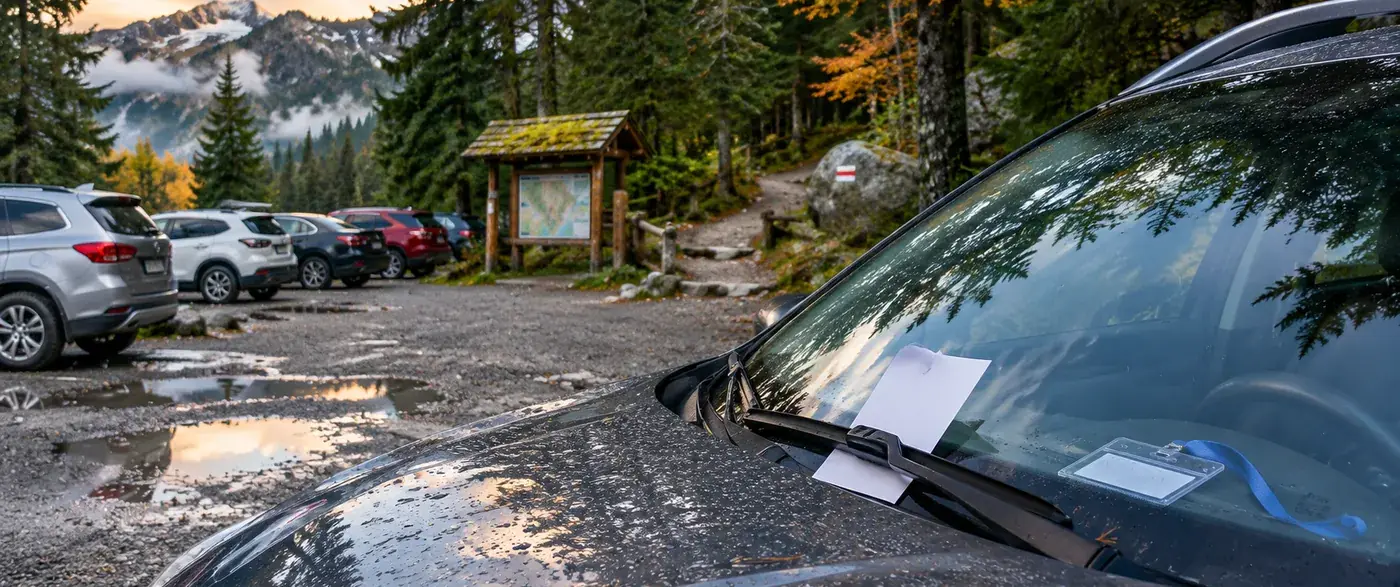
Trail Journal Case 063
The call from the car park
At what time, and from which place, did the call with the password from the note come?
The real case · Keswick Mountain Rescue Team
During a search on Scafell Pike, the missing walker herself phoned to say she had reached her car safely. A dog team had already set out.
How the search began
What happened?
In the car park, someone finds a note from the rescuers on a windscreen. It is the very woman the family is looking for. She came down by a different path from the one she climbed and lost a lot of time trying to recognise the way between the cars. Up close, she sees her work badge in the windscreen, forgotten there since yesterday. She pushes it aside, thinking the paper under the wiper is a notice for tourists. When she sees her car's make written on it, she quickly searches for her phone in her rucksack.
She calls them, describes the car and reads the word “bilberry” from the note. The dispatch centre has taken three calls within a short interval. They have to identify the one that allows the dog team to be called back to base.
Now she is speaking to the dispatch centre from the driver's seat. Someone asks her to read out the last line on the note too. It had been written by hand and contains an unusual word. This is exactly what distinguishes her call from the news that came in at almost the same time from people in the field.
You have three field sheets. Each landmark and each note appears on one sheet only. At what time, and from which place, did the call with the password from the note come?
- Time · 08:12, 08:19, 08:26
- Landmark · South Barrier, West Entrance, North Car Park
- Note · Bilberry, Cranberry, Blackberry
Search log
Field clues
I need a hint
Start with the one certain pairing, “West Entrance” and “Blackberry”.
One more hint
Once you have paired them, rule out “Blackberry” for the other two values in the “Landmark” category. Each value is used only once.
Workbook
Deduction grid
The grid is optional. You can use it to organise your notes and see which options you have ruled out. If you already have the answer, go straight to the final report.
Pick the cell where the two values you want to compare meet.
How to play: the basics and a worked example
What do I have to do in a case?
- Read the story and the question in the final report: At what time, and from which place, did the call with the password from the note come? That tells you what you have to reconstruct.
- Take the clues one at a time. Look for the two items each sentence links and note in the grid what you have learned. Then tick the clue so you remember you have used it. You can reread it at any time.
- If two clues share an item, follow it through both pairings. When you get stuck, you can open “I need a hint”, then “One more hint”.
- When you have a theory, fill in the two fields of the final report. You can send the report even if you left the grid empty. Then press “Check the report”. If the answer doesn't match, reread the clues and try again. Once it is confirmed, read the explanation in “The log, reconstructed”, shown below the report.
How do I correct a mark?
Tap the same cell to go through the three states, in order. You start from a dot. One tap puts ×, another puts ✓, and a third brings the dot back. So from ✓, a single tap clears the mark. The other cells only change when you tap them yourself.
How do I read the big grid in a case?
Above the columns you will see categories such as “Landmark” and “Note”. The rows are on the left. Follow the name on the row across to the column you are interested in and read the pairing as a question. A dot means you haven't noted the answer yet.
The one-match rule applies within each group of columns. After a ✓ you can put × in the other cells on the row and the column of the same group. In another group, the same row can have one more ✓.
Further down, the rows compare the remaining categories with each other. The hatched areas show pairings already covered elsewhere in the table. On a phone, swipe the table sideways to see the next group.
The example below is a made-up case with two dogs, Luna and Nori, who ended up in different places. The first clue says: “Luna did not finish the trail at the jetty.” Luna gets × under Jetty, so the greenhouse is all that is left for her and she gets ✓ there. The second clue says: “The team that reached the greenhouse used the bandana.”
| Reference | Place | Article | ||
|---|---|---|---|---|
| Jetty | Greenhouse | Bandana | Scarf | |
| Luna | ruled out | confirmed | confirmed | unknown |
| Nori | unknown | unknown | unknown | unknown |
| Jetty | Unused group of cells | unknown | unknown | |
| Greenhouse | confirmed | unknown | ||
On the “Greenhouse” row, the ✓ under “Bandana” comes straight from the clue. On the “Luna” row, the ✓ under “Bandana” is your own conclusion: Luna reached the greenhouse, and the team at the greenhouse used the bandana. The two ticks on Luna's row are in different groups.
Swipe the table to the left to see all the columns.
| Sheet | Landmark | Note | ||||
|---|---|---|---|---|---|---|
Final report
At what time, and from which place, did the call with the password from the note come?
The log, reconstructed
An officer checks the woman's identity in the car park and closes the search. The handler calls her dog to the car and heads back to base.
| Time | Landmark | Note |
|---|---|---|
| 08:12 | North Car Park | Bilberry |
| 08:19 | West Entrance | Blackberry |
| 08:26 | South Barrier | Cranberry |
The real case
During a search on Scafell Pike, the missing walker herself phoned to say she had reached her car safely. A dog team had already set out.
Solve another case
More cases of the same level from the collection.
-
 Case 064
Solved
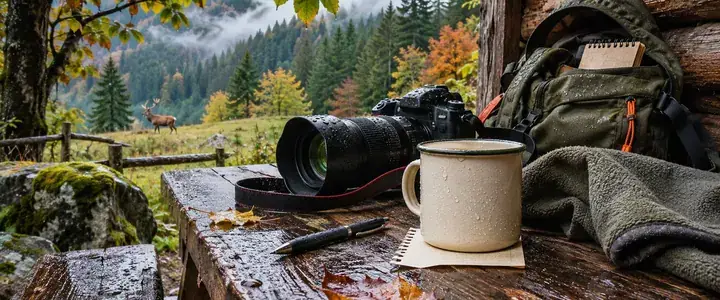
The note under the mug
Ana's uncle hasn't come back from photographing deer.
-
 Case 065
Solved
Signal from the island
From the gazebo you can see the lights of the camp on the island.
-
 Case 066
Solved
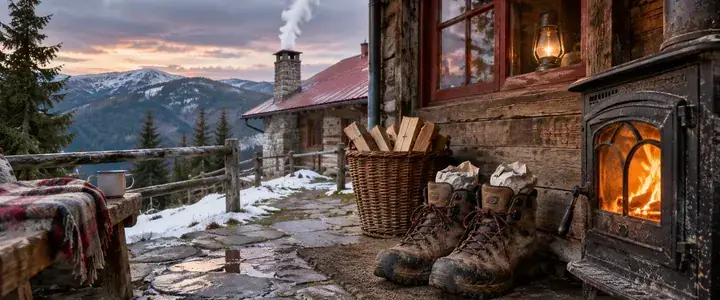
Smoke from the chimney
At the end of the day, the hut keeper notices that nobody has come to collect a client's spare boots.