
Trail Journal Case 110
A drawing on a receipt
Who reported the note “House on a receipt”, and from which landmark?
How the search began
What happened?
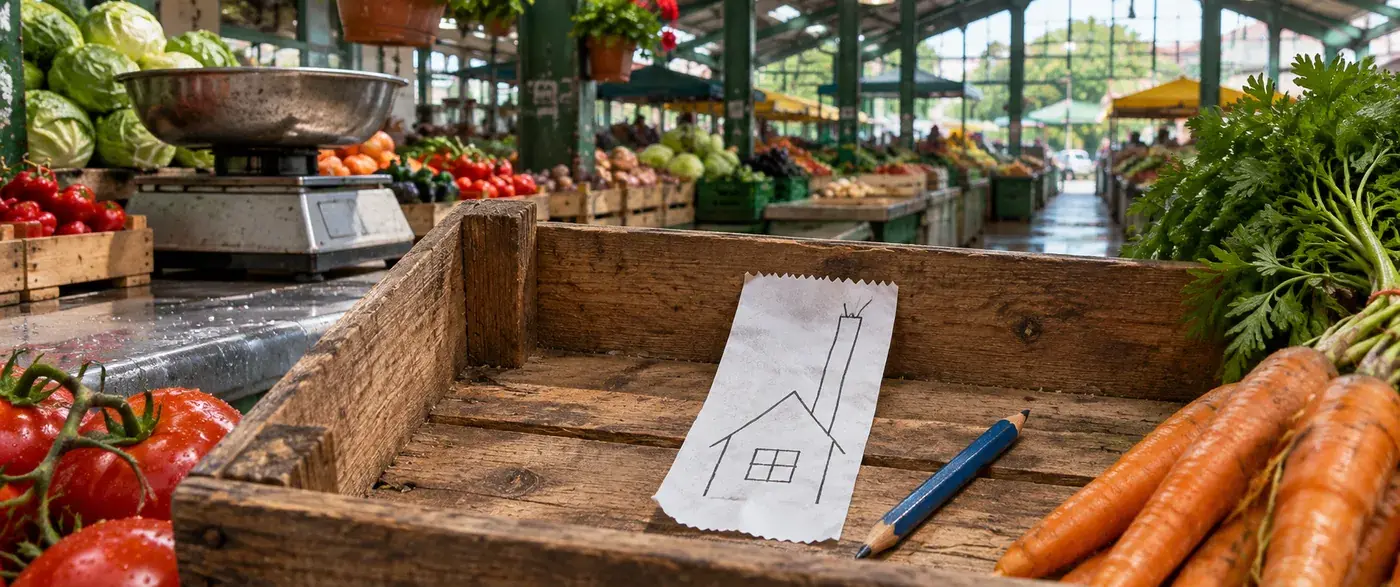
In the vegetable hall, Raisa draws a house on the back of a receipt. The house has a single square window and a chimney that is too long, because Raisa had drawn right up to the serrated edge of the receipt. Her mother had held the little crate steady so the pencil would not slip out of the outline. “Someone still has to live here,” she had told her before picking up the bag and turning towards the scales. When she looks at the crate again, the pencil is still there.
When her mother comes back from the scales, the girl is gone. The mother asks the police for help. While the mantrailing team sets off from the stall with Raisa's glove, three traders describe the pieces of paper they saw in children's hands.
Stallholders often put a piece of paper in the hand of a waiting child, either to keep them playing or so they will not drop their change. But the mother knows which drawing to look for. The question is who remembered the house and from which part of the hall they passed on the news.
You have three calls. Each has a signature, a landmark and a note. Each value appears only once. Who reported the note “House on a receipt”, and from which landmark?
- Name · Ana, Diana, Sanda
- Landmark · Apple Hall, Market Gate, Flower Row
- Note · House on a receipt, Heart on a newspaper, Sun on an envelope
Search log
Field clues
I need a hint
Start with clue 2. The message from “Flower Row” includes the note “Sun on an envelope”.
One more hint
Combine clues 1 and 2. Together they give you one more pairing. The message from “Market Gate” includes the note “Heart on a newspaper”.
Workbook
Deduction grid
The grid is optional. You can use it to organise your notes and see which options you have ruled out. If you already have the answer, go straight to the final report.
Pick the cell where the two values you want to compare meet.
How to play: the basics and a worked example
What do I have to do in a case?
- Read the story and the question in the final report: Who reported the note “House on a receipt”, and from which landmark? That tells you what you have to reconstruct.
- Take the clues one at a time. Look for the two items each sentence links and note in the grid what you have learned. Then tick the clue so you remember you have used it. You can reread it at any time.
- If two clues share an item, follow it through both pairings. When you get stuck, you can open “I need a hint”, then “One more hint”.
- When you have a theory, fill in the two fields of the final report. You can send the report even if you left the grid empty. Then press “Check the report”. If the answer doesn't match, reread the clues and try again. Once it is confirmed, read the explanation in “The log, reconstructed”, shown below the report.
How do I correct a mark?
Tap the same cell to go through the three states, in order. You start from a dot. One tap puts ×, another puts ✓, and a third brings the dot back. So from ✓, a single tap clears the mark. The other cells only change when you tap them yourself.
How do I read the big grid in a case?
Above the columns you will see categories such as “Landmark” and “Note”. The rows are on the left. Follow the name on the row across to the column you are interested in and read the pairing as a question. A dot means you haven't noted the answer yet.
The one-match rule applies within each group of columns. After a ✓ you can put × in the other cells on the row and the column of the same group. In another group, the same row can have one more ✓.
Further down, the rows compare the remaining categories with each other. The hatched areas show pairings already covered elsewhere in the table. On a phone, swipe the table sideways to see the next group.
The example below is a made-up case with two dogs, Luna and Nori, who ended up in different places. The first clue says: “Luna did not finish the trail at the jetty.” Luna gets × under Jetty, so the greenhouse is all that is left for her and she gets ✓ there. The second clue says: “The team that reached the greenhouse used the bandana.”
| Reference | Place | Article | ||
|---|---|---|---|---|
| Jetty | Greenhouse | Bandana | Scarf | |
| Luna | ruled out | confirmed | confirmed | unknown |
| Nori | unknown | unknown | unknown | unknown |
| Jetty | Unused group of cells | unknown | unknown | |
| Greenhouse | confirmed | unknown | ||
On the “Greenhouse” row, the ✓ under “Bandana” comes straight from the clue. On the “Luna” row, the ✓ under “Bandana” is your own conclusion: Luna reached the greenhouse, and the team at the greenhouse used the bandana. The two ticks on Luna's row are in different groups.
Swipe the table to the left to see all the columns.
| Sheet | Landmark | Note | ||||
|---|---|---|---|---|---|---|
Final report
Who reported the note “House on a receipt”, and from which landmark?
The log, reconstructed
The trader who saw the house had taken Raisa to the information point. There she finishes her drawing and adds two figures holding hands at the gate.
| Name | Landmark | Note |
|---|---|---|
| Ana | Flower Row | Sun on an envelope |
| Diana | Apple Hall | House on a receipt |
| Sanda | Market Gate | Heart on a newspaper |
Solve another case
More cases of the same level from the collection.
-
 Case 111
Solved
Behind the scenery
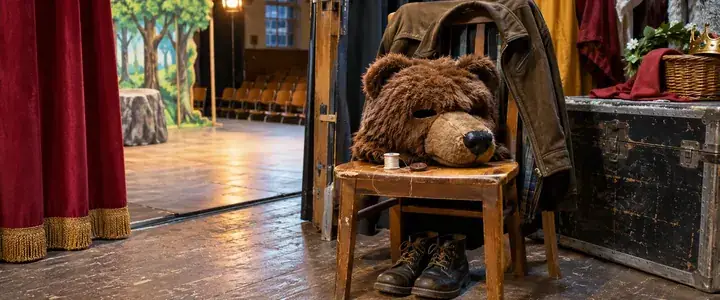
The boy who played the bear does not come out for the applause.
-
 Case 112
Solved
The two-finger salute
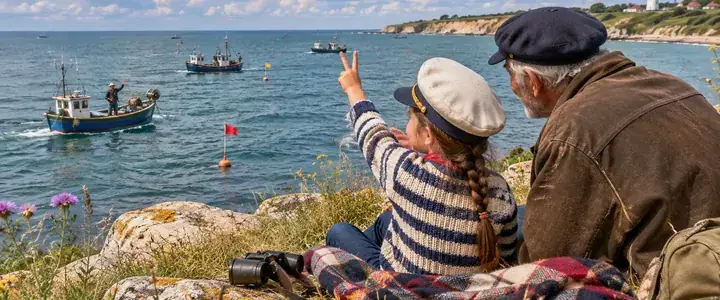
On the promenade, Grandad and Ana count the boats.
-
 Case 113
Solved
The butterfly from the last century
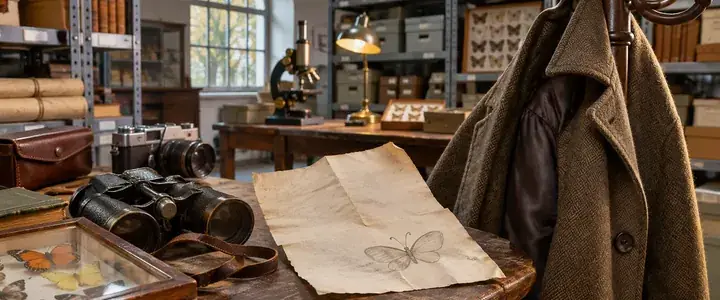
At the museum storeroom, Grandad shows his grandchildren the machines he worked with when he was young.