
Trail Journal Case 086
A dot in the stone field
What time and which sector belong to the photograph with the hat?
The real case · National Park Service
In Joshua Tree National Park, a hiker's family found his car at the trailhead. Later, a helicopter crew saw him signalling from the ground.
How the search began
What happened?
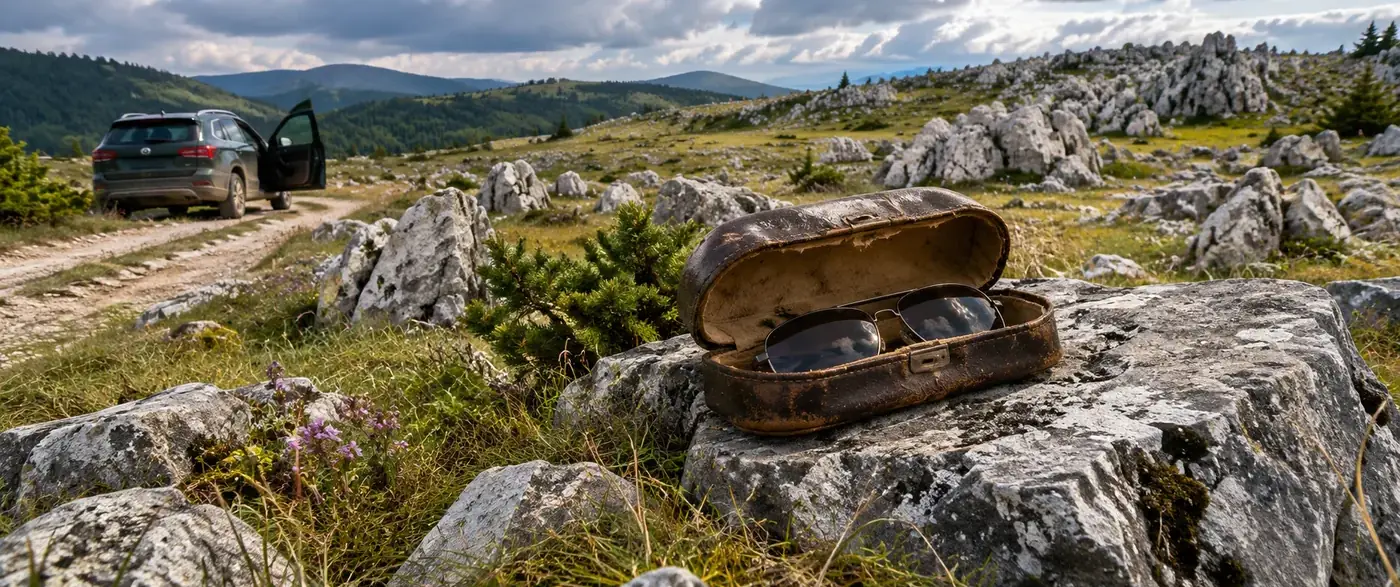
The grandfather's wide-brimmed hat is missing from the car left at the end of the road. In the glove compartment, his sunglasses are still there, in a case so old it no longer closes properly. His granddaughter has asked him many times why he carries them if he just pulls the brim of his hat down over his eyes. Now, when the crew asks for a description, it is those very brims that seem to her the thing she would recognise out of a thousand.
The granddaughter tells the rescuers that her grandfather sometimes uses the hat to signal from far away. Three aerial photographs show things moving in the wind. In one, the hat is clearly seen raised in a hand.
From the air, the stone field has few shadows, and the pilot has to look at the same spot again to tell something moving from something still. Only in one frame is the arm under the hat visible too. That is the photograph the family is waiting on, for its time and its position on the map. The granddaughter leans over the table and traces the edge of the hat with her finger, from one image to the next.
You have three field sheets. Each landmark and each note appears on one sheet only. What time and which sector belong to the photograph with the hat?
- Time · 13:11, 13:18, 13:25
- Landmark · Sandy Road, Stone Table, Red Plateau
- Note · Raised hat, Cloth in the wind, Flag on a pole
Search log
Field clues
I need a hint
Start with the one certain pairing, “13:18” and “Stone Table”.
One more hint
Once you have paired them, rule out “Stone Table” for the other two values in the “Time” category. Each value is used only once.
Workbook
Deduction grid
The grid is optional. You can use it to organise your notes and see which options you have ruled out. If you already have the answer, go straight to the final report.
Pick the cell where the two values you want to compare meet.
How to play: the basics and a worked example
What do I have to do in a case?
- Read the story and the question in the final report: What time and which sector belong to the photograph with the hat? That tells you what you have to reconstruct.
- Take the clues one at a time. Look for the two items each sentence links and note in the grid what you have learned. Then tick the clue so you remember you have used it. You can reread it at any time.
- If two clues share an item, follow it through both pairings. When you get stuck, you can open “I need a hint”, then “One more hint”.
- When you have a theory, fill in the two fields of the final report. You can send the report even if you left the grid empty. Then press “Check the report”. If the answer doesn't match, reread the clues and try again. Once it is confirmed, read the explanation in “The log, reconstructed”, shown below the report.
How do I correct a mark?
Tap the same cell to go through the three states, in order. You start from a dot. One tap puts ×, another puts ✓, and a third brings the dot back. So from ✓, a single tap clears the mark. The other cells only change when you tap them yourself.
How do I read the big grid in a case?
Above the columns you will see categories such as “Landmark” and “Note”. The rows are on the left. Follow the name on the row across to the column you are interested in and read the pairing as a question. A dot means you haven't noted the answer yet.
The one-match rule applies within each group of columns. After a ✓ you can put × in the other cells on the row and the column of the same group. In another group, the same row can have one more ✓.
Further down, the rows compare the remaining categories with each other. The hatched areas show pairings already covered elsewhere in the table. On a phone, swipe the table sideways to see the next group.
The example below is a made-up case with two dogs, Luna and Nori, who ended up in different places. The first clue says: “Luna did not finish the trail at the jetty.” Luna gets × under Jetty, so the greenhouse is all that is left for her and she gets ✓ there. The second clue says: “The team that reached the greenhouse used the bandana.”
| Reference | Place | Article | ||
|---|---|---|---|---|
| Jetty | Greenhouse | Bandana | Scarf | |
| Luna | ruled out | confirmed | confirmed | unknown |
| Nori | unknown | unknown | unknown | unknown |
| Jetty | Unused group of cells | unknown | unknown | |
| Greenhouse | confirmed | unknown | ||
On the “Greenhouse” row, the ✓ under “Bandana” comes straight from the clue. On the “Luna” row, the ✓ under “Bandana” is your own conclusion: Luna reached the greenhouse, and the team at the greenhouse used the bandana. The two ticks on Luna's row are in different groups.
Swipe the table to the left to see all the columns.
| Sheet | Landmark | Note | ||||
|---|---|---|---|---|---|---|
Final report
What time and which sector belong to the photograph with the hat?
The log, reconstructed
The pilot makes one more circle. The grandfather puts his hat on his head and waits to be picked up. At the car, he asks about his granddaughter before anything else.
| Time | Landmark | Note |
|---|---|---|
| 13:11 | Sandy Road | Cloth in the wind |
| 13:18 | Stone Table | Flag on a pole |
| 13:25 | Red Plateau | Raised hat |
The real case
In Joshua Tree National Park, a hiker's family found his car at the trailhead. Later, a helicopter crew saw him signalling from the ground.
Solve another case
More cases of the same level from the collection.
-
 Case 087
Solved
The device without its owner
On the family's screen, the dot showing Tudor's position has stayed in the same place for hours.
-
 Case 088
Solved
The two descents
On the knee that bothers him, Victor wears a red knee brace.
-
 Case 089
Solved
The beacon left at camp
When the tea is poured, Ana's mug is left upside down.